
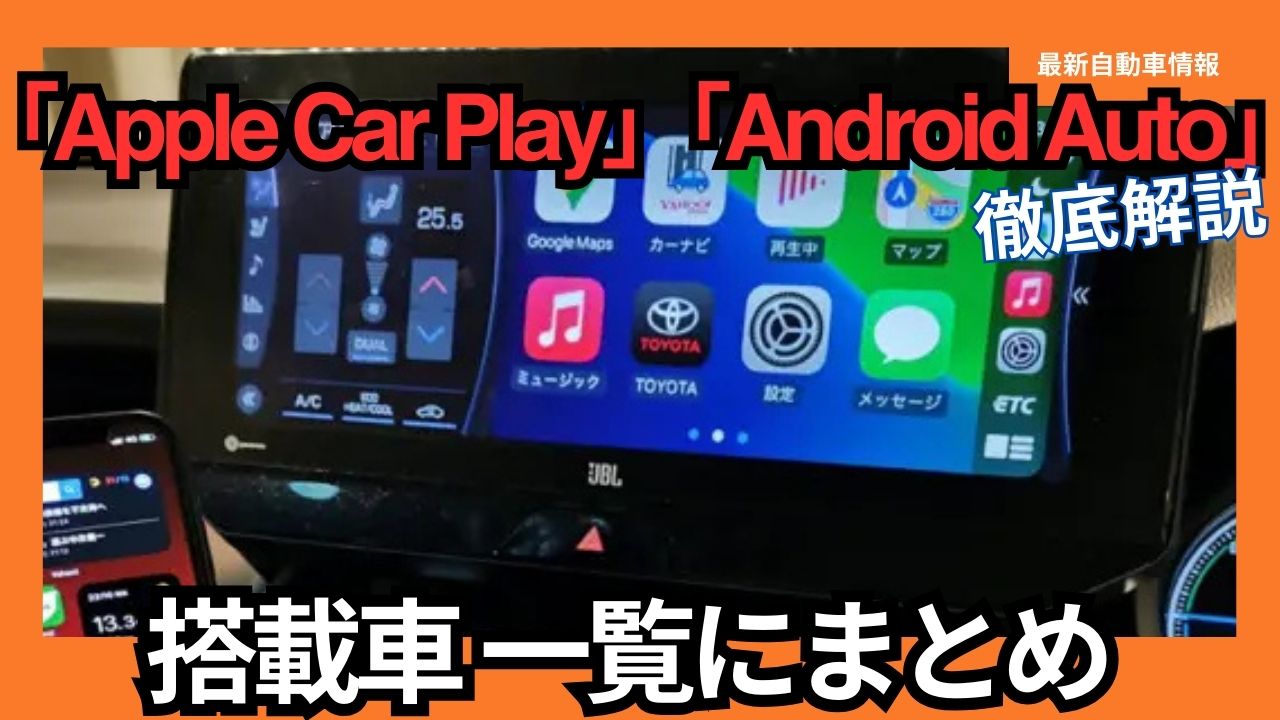
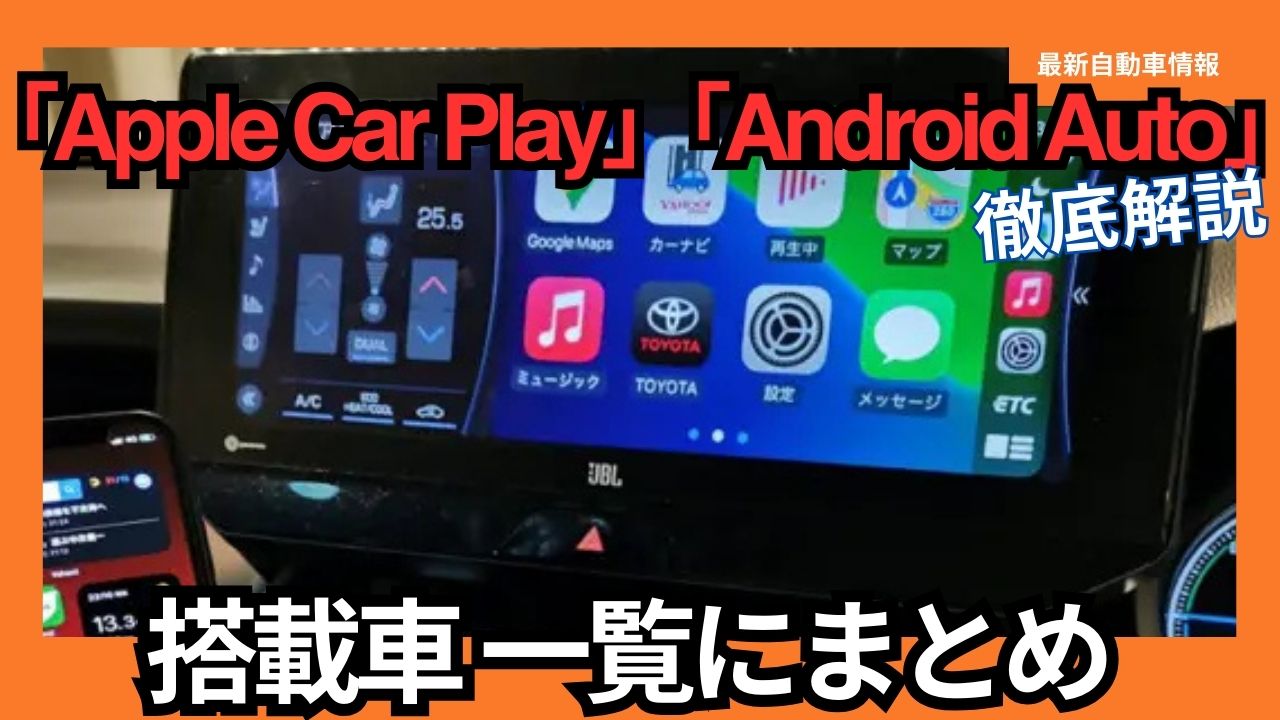
In 2025, the evolution of connected cars will accelerate, with Apple CarPlay and Android Auto playing an increasingly important role. These systems seamlessly integrate smartphones and in-car infotainment systems, transforming the driving experience for a more comfortable and safer experience. In this article, we’ll introduce a list of Apple CarPlay and Android Auto-equipped cars to watch out for in 2025, as well as provide detailed information on how to use these systems conveniently.
Many car manufacturers have adopted “Apple CarPlay” and “Android Auto.” We’ve compiled a list of which car models will have these features as of 2025. We hope this information will be helpful when considering purchasing a car.
About Apple CarPlay
Apple began offering CarPlay in 2014, a feature that allows users to connect their iPhone to a car navigation system. It allows users to play compatible apps, music, and maps and navigation on the car navigation system. We’ll share our thoughts on CarPlay and recommend some of its features.
Key features of Apple CarPlay
- Navigation: Navigation apps such as Apple Maps and Google Maps can be displayed on the vehicle display and voice guidance is available.
- Music: Control music streaming services like Apple Music, Spotify, and Amazon Music from your car’s display.
- Calls: Use Siri to make and receive calls hands-free.
- Messages: Use Siri to send messages and have received messages read to you.
- Siri: Use the voice assistant Siri to control various functions hands-free.
Apple’s “CarPlay” is compatible with devices from the “iPhone 5” onwards, up to the current model. Of course, the car navigation system must also be compatible with “CarPlay.”
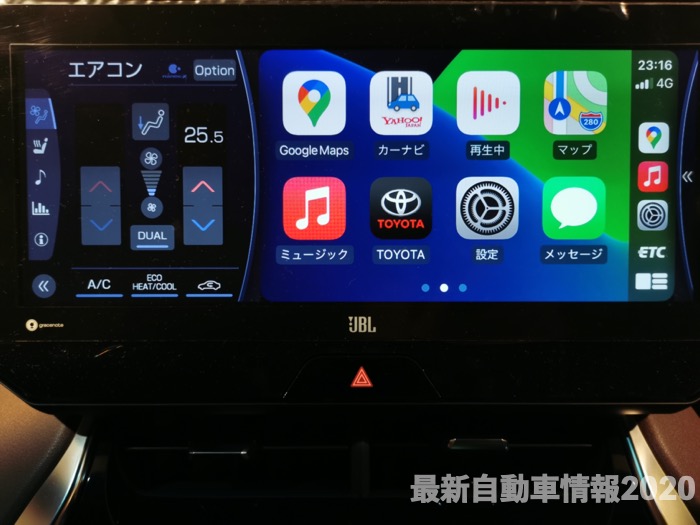
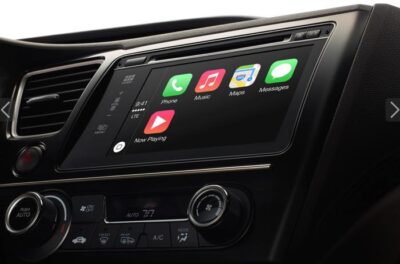
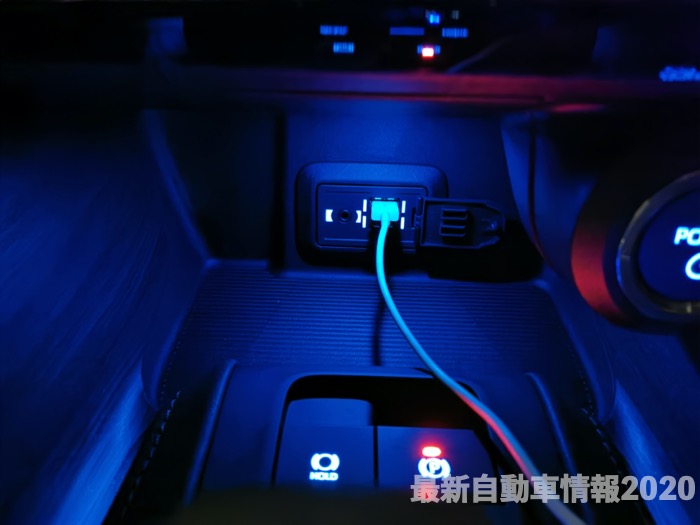
It’s easy to use; just connect your car navigation system with a Lightning cable. You can use it while it’s charging, so you don’t have to worry about the battery level. Some car navigation systems can also be used with a Bluetooth connection, but this is not recommended for those who are concerned about the battery level.
Tap “Settings” → “General” → “CarPlay” on your iPhone to go to the settings screen. Once connected, you can select the apps you want to display by going to “Device Name” → “Customize.”
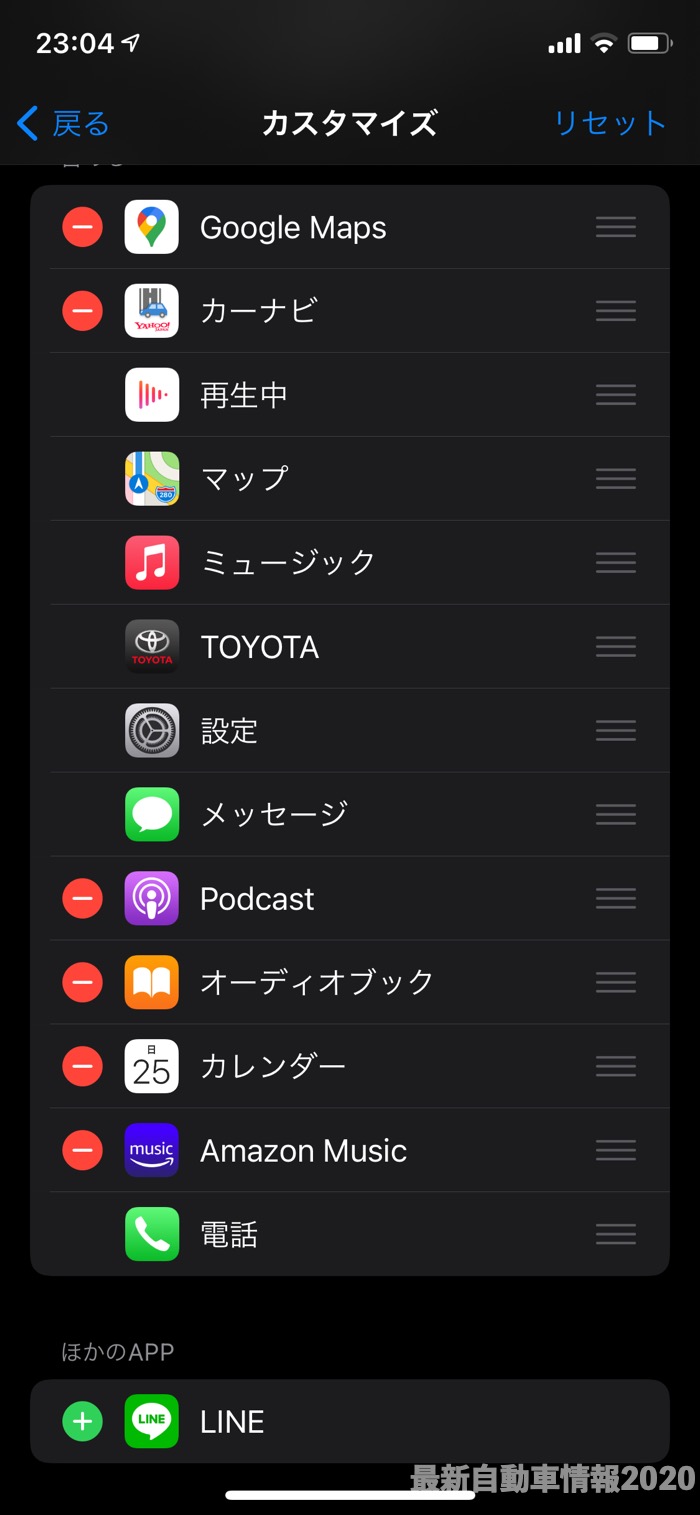
What are the benefits of Apple CarPlay?
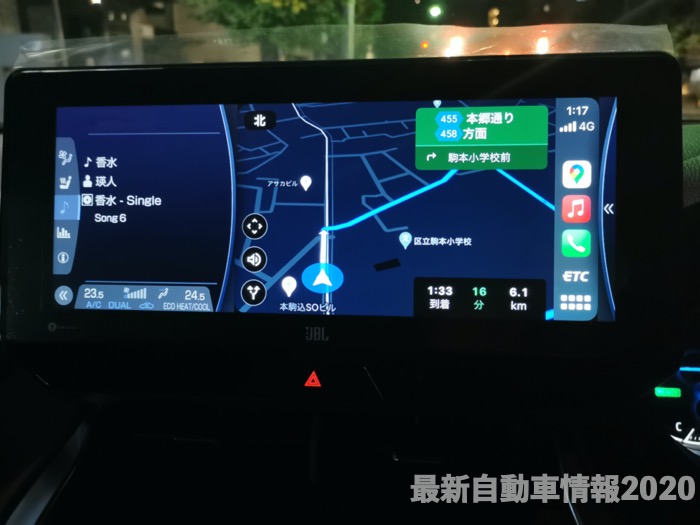
The biggest benefit of using Apple’s “CarPlay” is that it allows you to navigate by displaying the latest maps using “Google Maps.” You can also play and operate the music you normally listen to. You don’t need to purchase an expensive navigation system; as long as it’s compatible with “CarPlay,” you’ll be fine. If you have a “CarPlay”-compatible navigation system in a rental car or company car, you can recreate the same user experience anywhere. You can easily display the latest maps without having to update the map data on your in-car navigation system.
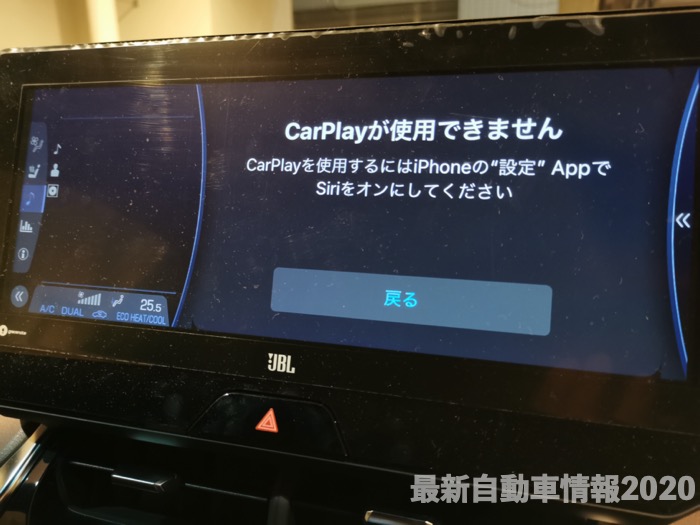
What are the disadvantages of Apple CarPlay?
Privacy-related apps such as “Messages” and “Phone” cannot be hidden. Installed apps such as “LINE,” “Amazon Music,” and “Google Maps” can be customized for emergencies. Activating “Siri” is required. I generally don’t use “Siri” on a regular basis, so I have it turned off, but I have to turn it on when using “CarPlay.”
Google launched Android Auto in Japan on July 13, 2016, a feature that connects Android devices to car navigation systems. It allows users to view compatible Android apps, play music, and display maps and navigation on the car navigation system. We’ve actually used Android Auto and will share our recommendations, how to use it, and our impressions.
About Google Android Auto
Google’s Android Auto is compatible with current models of devices running Android 6.0 or later. Of course, your car navigation system must also be compatible with Android Auto.
Main features of Android Auto
- Navigation: Navigation apps such as Google Maps and Waze can be displayed on the vehicle display and voice guidance is available.
- Music: Control music streaming services like YouTube Music, Spotify, and Amazon Music from your car’s display.
- Calls: Make and receive calls hands-free with your Google Assistant.
- Messages: Use your Google Assistant to send and read messages you receive.
- Google Assistant: Use the voice assistant Google Assistant to operate various functions hands-free.
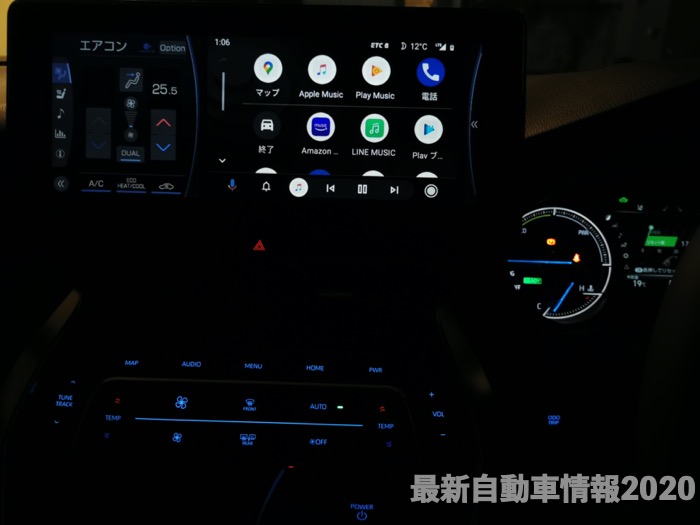
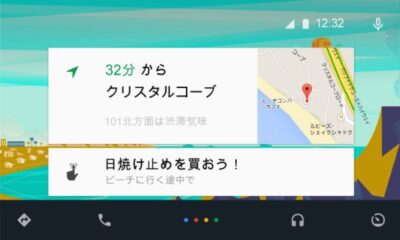
It’s easy to use; just connect your car navigation system with a high-quality USB cable. You can use it while it’s charging, so you don’t have to worry about the battery level. Some car navigation systems can also be used with a Bluetooth connection, but this is not recommended for those who are concerned about the battery level.
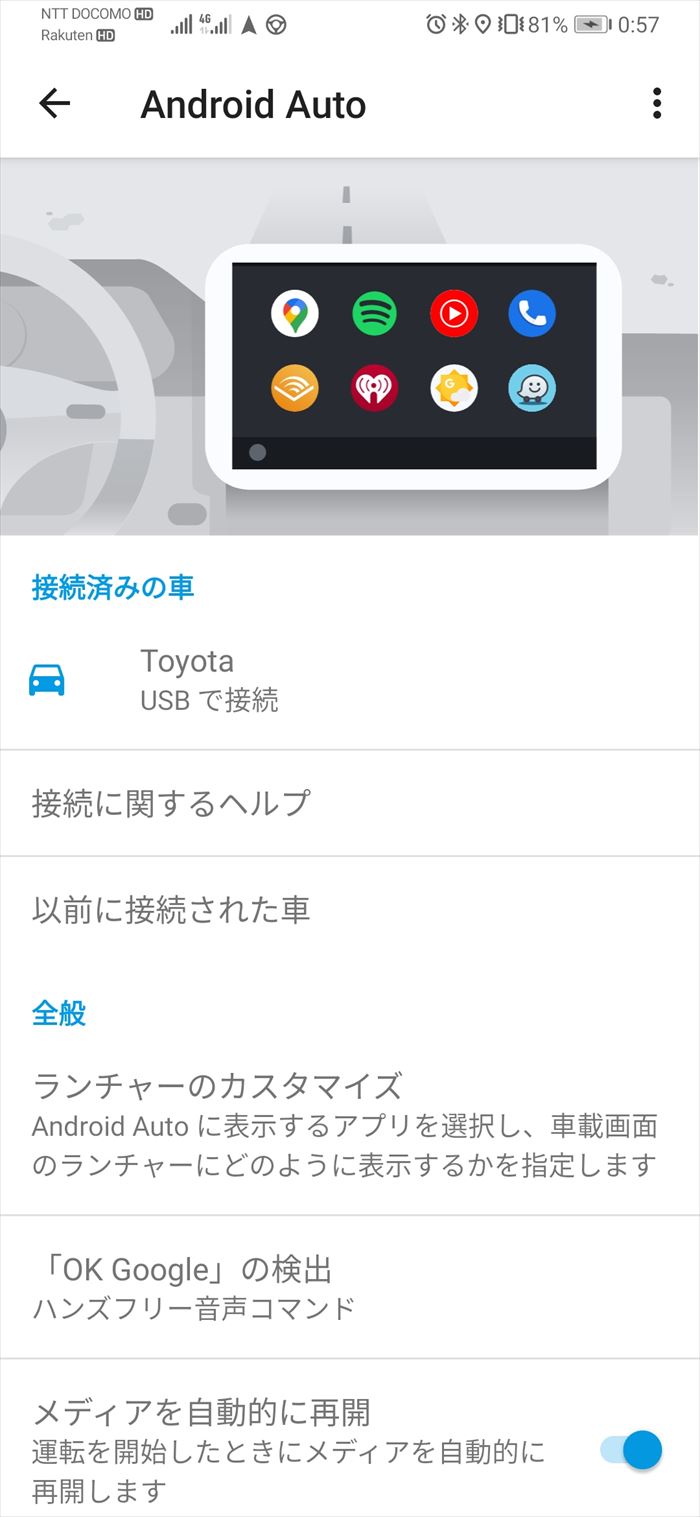
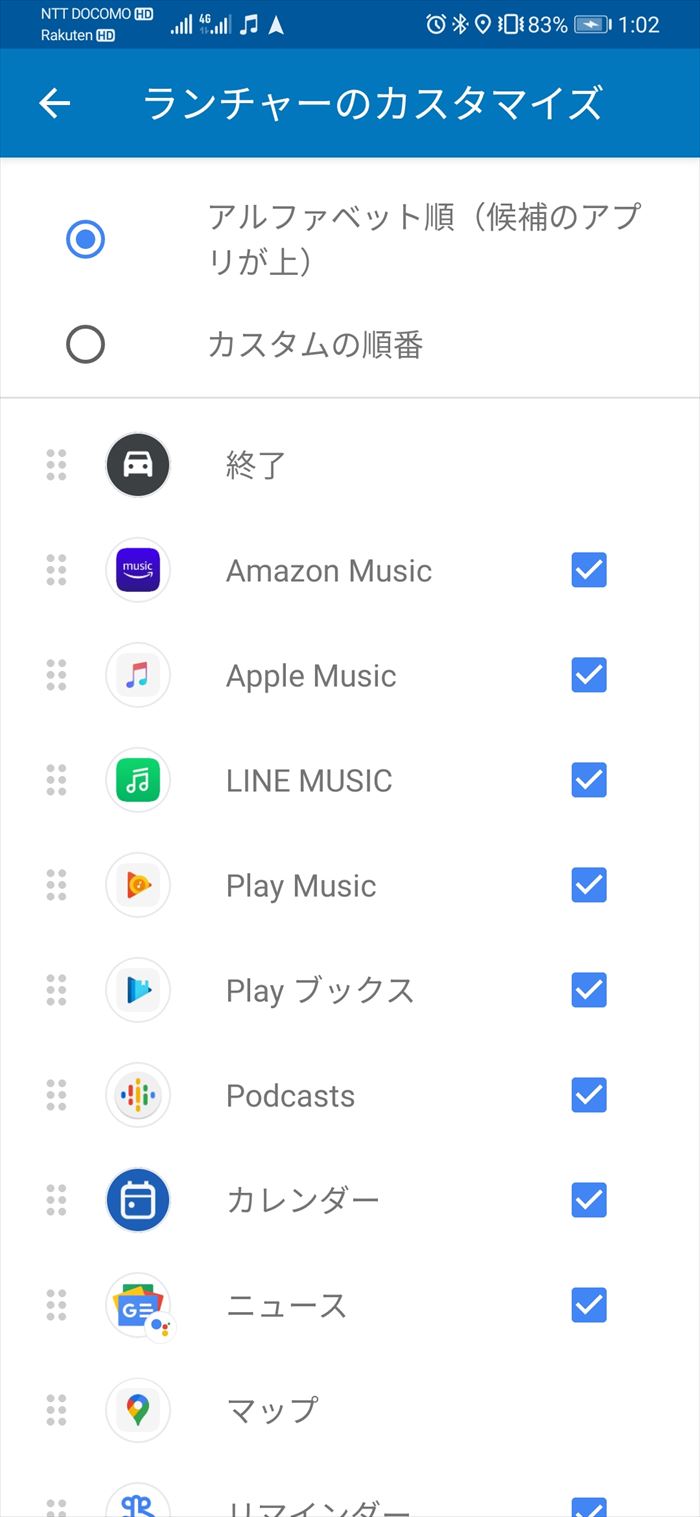
Tap the “Android Auto” app to go to the settings screen. Once connected, you can select the apps to display by going to “Device Name” → “Customize.”
What are the benefits of Google Android Auto?
The biggest benefit of using Google “Android Auto” is that it displays the latest maps and provides navigation using “Google Maps.” You can also play and operate the music you normally listen to. You don’t need to purchase an expensive navigation system; as long as it’s compatible with “Android Auto,” you’ll be fine. If you have an “Android Auto”-compatible navigation system in a rental car or company car, you can recreate the same user experience anywhere. You can easily display the latest maps without having to update the map data on your in-car navigation system.
What are the disadvantages of Google Android Auto?
The “Phone” app cannot be hidden. Installed apps such as “Amazon Music” can be customized for emergencies.
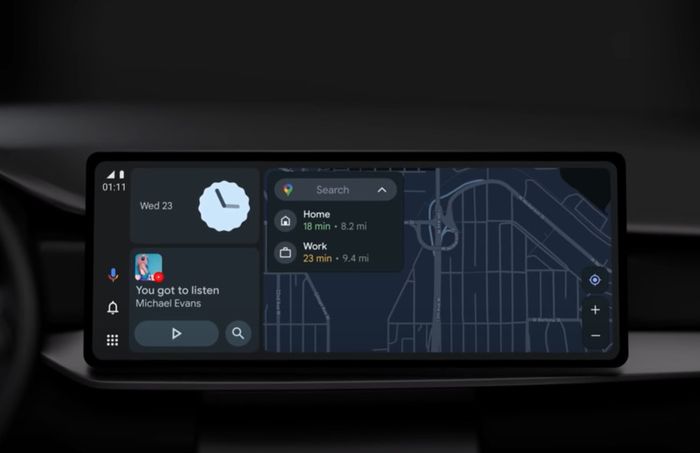
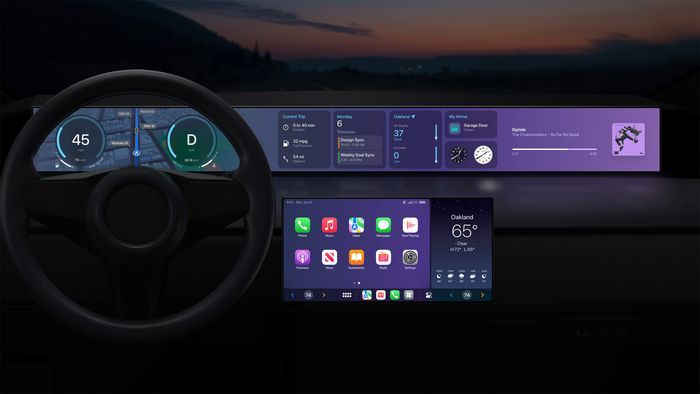
Apple CarPlay and Android Auto will evolve even further in 2025
In 2025, Apple CarPlay and Android Auto are expected to further evolve in the following ways:
- The rise of wireless connectivity: More and more car models are supporting wireless connectivity, freeing you from the hassle of cable connections.
- Support for high-resolution displays: As in-car displays become higher resolution, you can enjoy navigation and music with more beautiful images.
- Enhanced integration with in-vehicle systems: Enhanced integration with vehicle information and driver assistance systems provides a safer and more comfortable driving experience.
- Improved personalization: AI-powered personalization will be improved to provide information and services tailored to your preferences.
- Expanded range of compatible apps: The number of compatible apps will increase, allowing you to use a wider variety of services in your car.
Toyota Apple CarPlay Android Auto compatible vehicles
Toyota is gradually adopting Apple CarPlay and Android Auto in new compact car models such as the Aqua and Yaris. The Noah and Voxy do not currently have the features, but will be standard equipment when they are fully redesigned in 2022.
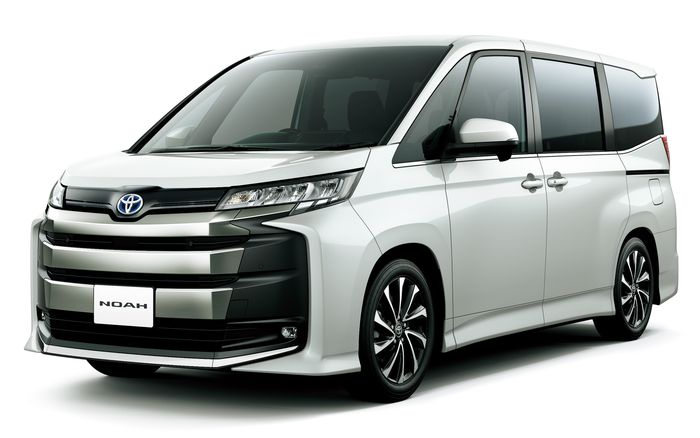
| Car model name | Compatible with “Apple CarPlay” and “Android Auto” |
|---|---|
| Aqua | ◯ (optional equipment) |
| Yaris | ◯ (optional equipment) |
| Roomy | ◯ (optional equipment) |
| Corolla Sport | ◯ (standard equipment) |
| Corolla Touring | ◯ (standard equipment) |
| Corolla | ◯ (standard equipment) |
| Corolla Fielder | × |
| Prius | ◯ (standard equipment) |
| Prius PHV | ◯ (standard equipment) |
| Crown | ◯ (standard equipment) |
| Crown Sport | ◯ ( standard equipment ) |
| Crown Estate | ◯ ( standard equipment ) |
| Century | ◯ ( standard equipment ) |
| MIRAI | ◯ ( standard equipment ) |
| Rise | ◯ (optional equipment) |
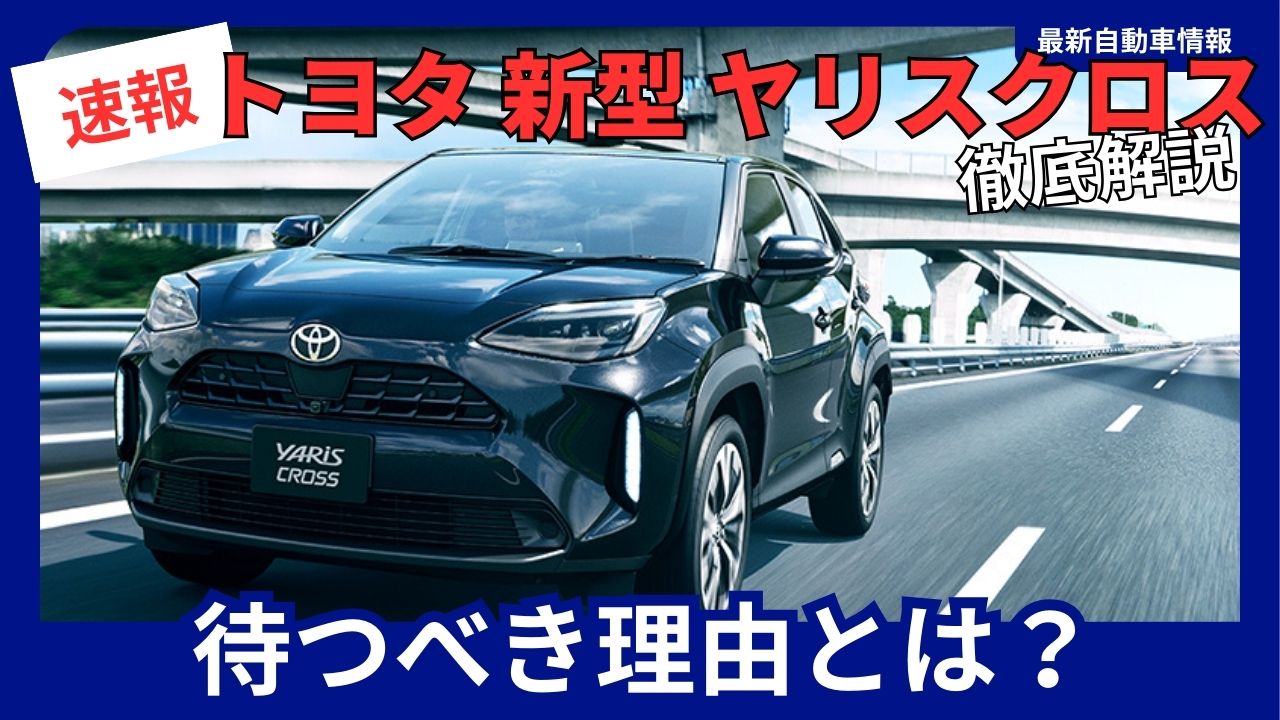
| Yaris Cross | ◯ (optional equipment) |
| Corolla Cross | ◯ ( standard equipment ) |
| RAV4 | ◯ (standard equipment) |
| RAV4 PHV | ◯ (standard equipment) |
| Harrier | ◯ (standard equipment) |
| Land Cruiser 70 | × |
| Land Cruiser 250 | ◯ (standard equipment) |
| Land Cruiser 300 | ◯ (optional equipment) |
| Hilux | × |
| Supra | ◯ (optional equipment) |
| GR86 | ◯ (optional equipment) |
| Sienta | ◯ (optional equipment) |
| Voxy | ◯ ( standard equipment ) |
| Noah | ◯ ( standard equipment ) |
| Alphard | ◯ (optional equipment) |
| Vellfire | ◯ (optional equipment) |
| Grand Ace | ◯ (optional equipment) |
| bZ4X | ◯ (standard equipment) |
Lexus “Apple CarPlay” and “Android Auto” compatible
Lexus comes standard with Apple CarPlay and Android Auto.
| Car model name | “Apple CarPlay” “Android Auto” |
|---|---|
| LX | ◯ ( standard equipment ) |
| LM | ◯ (standard equipment) |
| GX | ◯ (standard equipment) |
| RX | ◯ ( standard equipment ) |
| NX | ◯ ( standard equipment ) |
| UX | ◯ ( standard equipment ) |
| LS | ◯ ( standard equipment ) |
| RC | ◯ ( standard equipment ) |
| LC | ◯ ( standard equipment ) |
| ES | ◯ ( standard equipment ) |
| IS | ◯ ( standard equipment ) |
| LBX | ◯ (standard equipment) |
| RZ | ◯ (standard equipment) |
Honda “Apple CarPlay” and “Android Auto” compatible
Honda has adopted “Apple CarPlay” and “Android Auto” almost all of its vehicles, although they are optional.
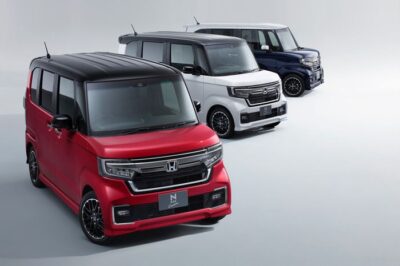
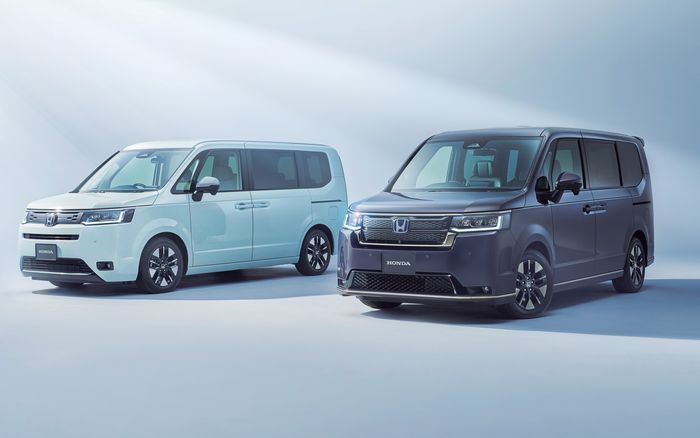
| Car model name | “Apple CarPlay” “Android Auto” |
|---|---|
| WR-V | ◯ (optional equipment) |
| Vezel | ◯ (optional equipment) |
| ZR-V | ◯ (optional equipment) |
| fit | ◯ (optional equipment) |
| Step WGN | ◯ (optional equipment) |
| shuttle | ◯ (optional equipment) |
| Civic | ◯ (optional equipment) |
| Odyssey | ◯ (optional equipment) |
| Insights | ◯ (optional equipment) |
| Accord | ◯ (optional equipment) |
| Freed | ◯ (optional equipment) |
| N-ONE | ◯ (optional equipment) |
| N-WGN | ◯ (optional equipment) |
| N-BOX | ◯ (optional equipment) |
| N-VAN | ◯ (optional equipment) |
| Honda e | ◯ ( standard equipment ) |
Mazda “Apple CarPlay” and “Android Auto” compatible
Mazda is an excellent company that comes standard with all of its models.
| Car model name | “Apple CarPlay” “Android Auto” |
|---|---|
| CX-3 | ◯ ( standard equipment ) |
| CX-30 | ◯ ( standard equipment ) |
| CX-5 | ◯ ( standard equipment ) |
| CX-60 | ◯ ( standard equipment ) |
| CX-80 | ◯ ( standard equipment ) |
| MAZDA2 | ◯ ( standard on some grades ) |
| MAZDA3 | ◯ ( standard equipment ) |
| MAZDA6 | ◯ ( standard equipment ) |
| MX-30 | ◯ ( standard equipment ) |
| ROADSTER | ◯ ( standard on some grades ) |
Nissan “Apple CarPlay” and “Android Auto” compatible
Nissan has adopted Apple CarPlay and Android Auto, and it seems that they are starting to be adopted in new models.
| Car model name | “Apple CarPlay” “Android Auto” |
|---|---|
| X-Trail | ◯ (Standard equipment on some grades) |
| Aria | ◯ (standard equipment) |
| Kicks | × |
| Notes | ◯ (optional equipment) |
| Note Aura | ◯ (optional equipment) |
| Serena | ◯ (optional equipment) |
| March | × |
| Luke’s | × |
| Days | × |
| Elgrand | × |
| fugue | × |
| Skyline | × |
| GT-R | × |
Subaru “Apple CarPlay” and “Android Auto” compatible
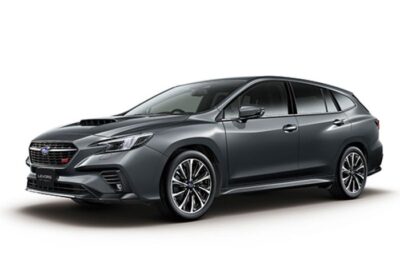
Subaru offers Apple CarPlay and Android Auto as options, but they are installed on almost all of its models.
| Car model name | “Apple CarPlay” “Android Auto” |
|---|---|
| Outback | ◯ (optional equipment) |
| Forester | ◯ (optional equipment) |
| Crosstrek | ◯ (optional equipment) |
| Impreza | ◯ (optional equipment) |
| Levorg | ◯ (optional equipment) |
| Revogreyback | ◯ (optional equipment) |
| WRX S4 | ◯ (optional equipment) |
| BRZ | ◯ (optional equipment) |
| Solterra | ◯ (standard equipment) |
| Rex | ◯ (optional equipment) |
| Justy | ◯ (optional equipment) |
Suzuki “Apple CarPlay” and “Android Auto” compatible
Suzuki has few models that support Apple CarPlay and Android Auto.
| Car model name | “Apple CarPlay” “Android Auto” |
|---|---|
| Crosby | ◯ (optional equipment) |
| Escudo | ◯ (optional equipment) |
| SX4 S-CROSS | ◯ (optional equipment) |
| Ignis | ◯ (optional equipment) |
| Jimny Sierra | ◯ (optional equipment) |
| Jimny | ◯ (optional equipment) |
| Hustler | ◯ (optional equipment) |
| Alto | ◯ (optional equipment) |
| Alto Works | ◯ (optional equipment) |
| Every Wagon | ◯ (optional equipment) |
| Every | ◯ (optional equipment) |
| Spacia | ◯ (optional equipment) |
| Spacia Custom | ◯ (optional equipment) |
| Spacia Gear | ◯ (optional equipment) |
| Lapin | ◯ (optional equipment) |
| Wagon R | ◯ (optional equipment) |
| Swift | ◯ (optional equipment) |
| Swift Sport | ◯ (optional equipment) |
| Solio | ◯ (optional equipment) |
| Solio Bandit | ◯ (optional equipment) |
| Copen | ◯ (optional equipment) |
Daihatsu “Apple CarPlay” and “Android Auto” compatible
Daihatsu has few models that support Apple CarPlay and Android Auto.
| Car model name | “Apple CarPlay” “Android Auto” |
|---|---|
| Mira e:s | × |
| Taft | ◯ (optional equipment) |
| Move | × |
| Move Canvas | ◯ (optional equipment) |
| Tanto | ◯ (optional equipment) |
| Wake | × |
| Atrai Wagon | × |
| Rocky | ◯ (optional equipment) |
| Thor | × |
Mitsubishi “Apple CarPlay” and “Android Auto” compatible
| Car model name | “Apple CarPlay” “Android Auto” |
|---|---|
| Outlander PHEV | ◯ (standard equipment) |
| RVR | ◯ (optional equipment) |
| Eclipse Cross | ◯ (standard equipment on some grades) |
| Delica D:5 | × |
| Triton | ◯ (standard equipment) |
| Delica D:2 | ◯ (standard equipment) |
| ek wagon | ◯ (optional equipment) |
| ek Space | ◯ (optional equipment) |
| Delica Mini | ◯ (optional equipment) |
What are the recommended retrofit display audios that support Apple CarPlay and Android Auto?
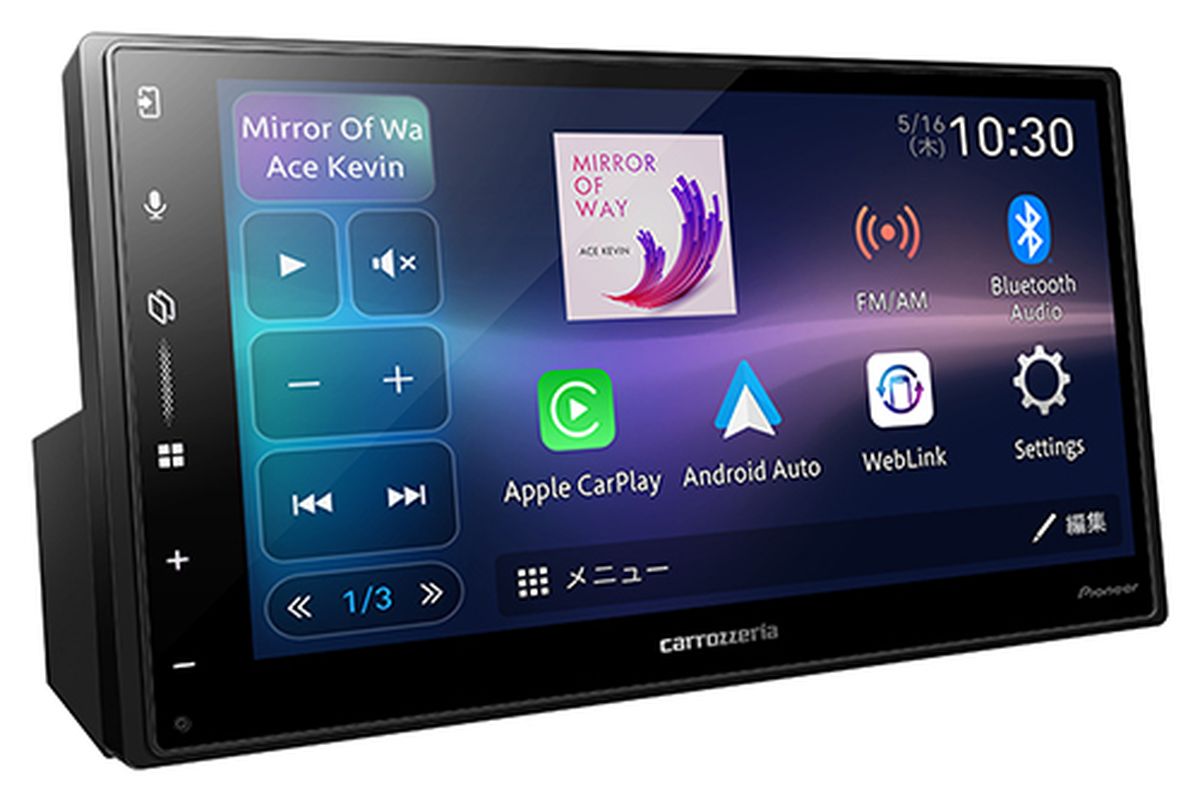
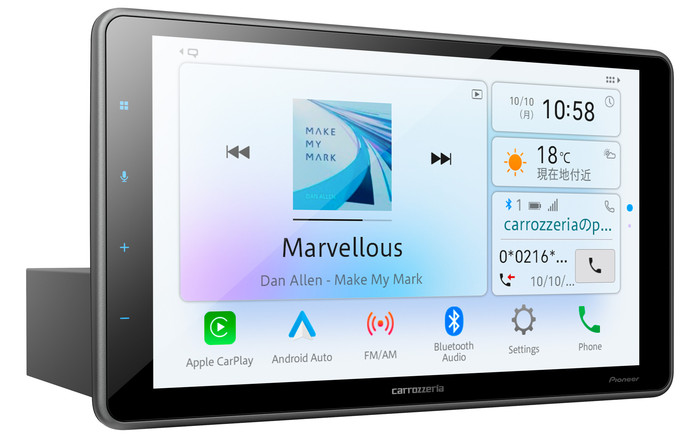
Pioneer Carrozzeria Display Audio: Two models compatible with Apple CarPlay and Android Auto
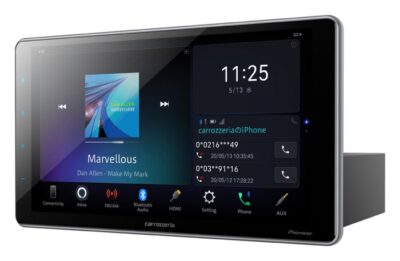


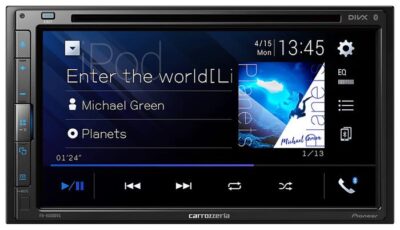


Carrozzeria/Pioneer
FH-8500DVS


Useful ways to use Apple CarPlay and Android Auto
Here are some tips to help you get the most out of your Apple CarPlay and Android Auto experience.
- Use voice control: Controlling navigation and music with your voice is safer while driving.
- Organize your frequently used apps: It’s convenient to place your frequently used apps on the home screen.
- Master your navigation app: Check traffic information, real-time traffic conditions, and choose the best route.
- Use music streaming services: Create playlists or download your favorite songs to enjoy music even in areas with poor internet connection.
- Use messaging: If you receive a message while driving, use the text-to-speech feature to hear it.
Things to note when using Apple CarPlay and Android Auto
Apple CarPlay and Android Auto are convenient systems, but there are a few things to keep in mind when using them.
- Minimize operations while driving: Avoid staring at the screen or performing complex operations while driving.
- Actively utilize voice control: By utilizing voice control, you can reduce the amount of eye movement while driving.
- Be aware of your network environment: Navigation and music streaming services may not be available depending on your network environment.
- Don’t forget to update your apps: Always keep your apps up to date.
summary
We’ve compiled a list of car models that support Apple CarPlay and Android Auto. While these are features you’ll want if you’re buying a new car, the list clearly shows that not all models from each manufacturer are compatible.
Apple CarPlay and Android Auto will remain important features of connected cars in 2025. Mastering these systems will make your driving experience more comfortable and safe. We hope you will use this article as a reference and get started using Apple CarPlay and Android Auto.
Although this equipment is not the only standard, it would be good to keep this in mind so that you don’t regret buying a car that has it installed after purchasing.
Toyota Display Audio compatible with Apple CarPlay and Android Auto
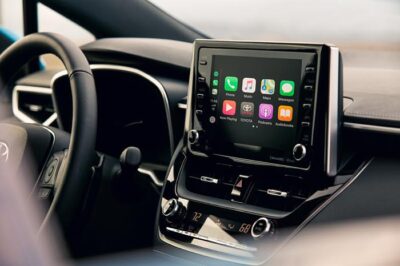
Toyota Display Audio “Apple CarPlay” and “Android Auto” standard settings
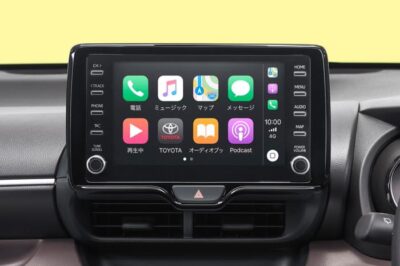
Toyota Display Audio Questions Solved: What Should Aftermarket Navigation Manufacturers Do?
How to use Google Android Auto: Is it useful? Introducing its features
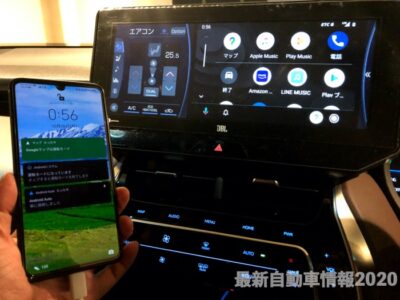
CarPlay
https://www.apple.com/jp/ios/carplay/
Android Auto